Welcome to Brae. The command center for everything you do.
Ask about anything on your screen, work across your apps, and keep your AI agents moving, all from the notch at the top of your Mac.
7 days of everything, free · then $29 once for all your Macs · macOS 26 on Apple silicon
Why Brae
Your work is scattered across a dozen apps, and every switch costs you focus. Brae gathers it in the one place your eyes already go, so you can stay in what matters.
For students
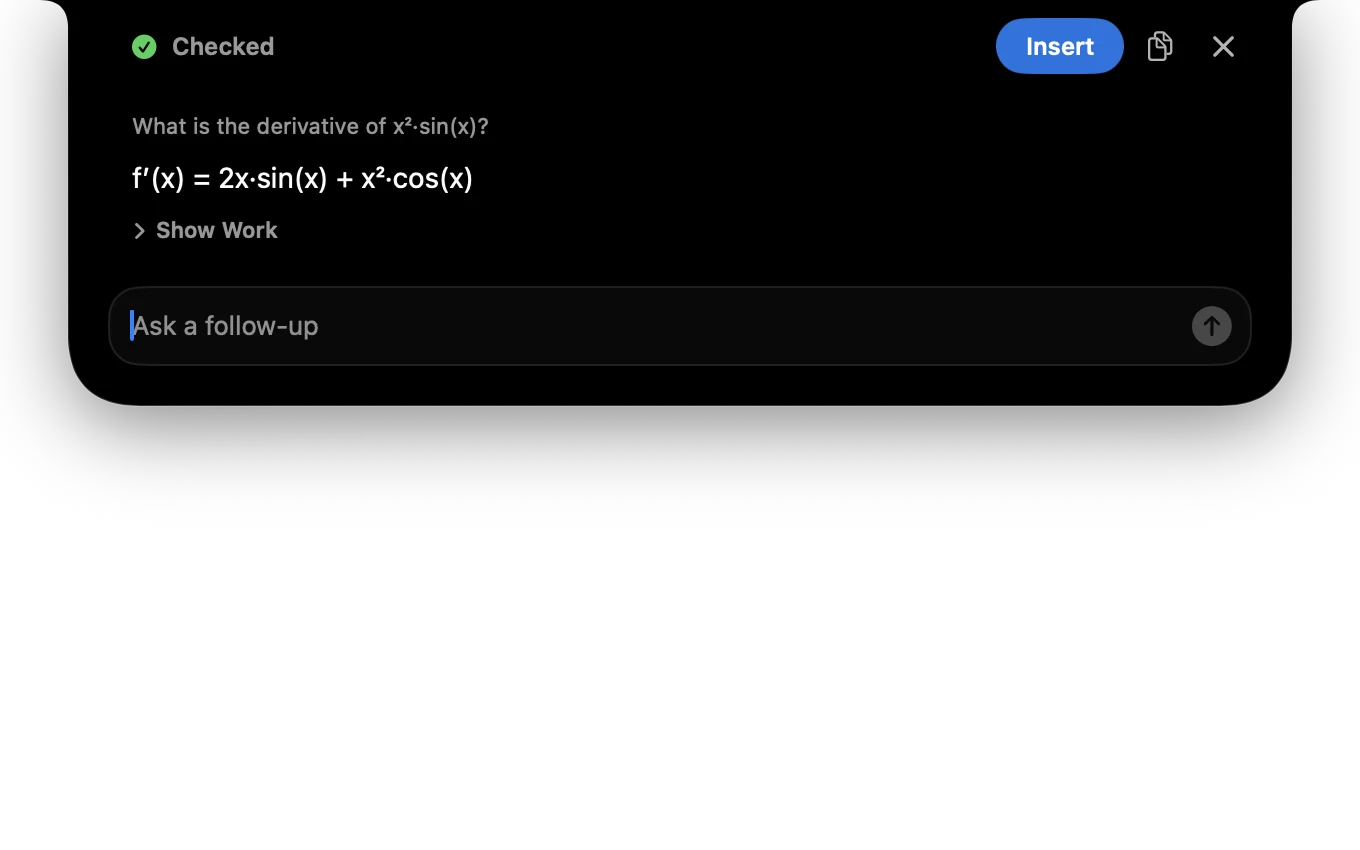
Stuck? The answer is one shortcut away.
Press Control Command A on any problem set, reading or lecture slide. Seconds later the answer is in your notch, every step shown and double-checked, so you finally get it instead of just getting it done.
For finance and business
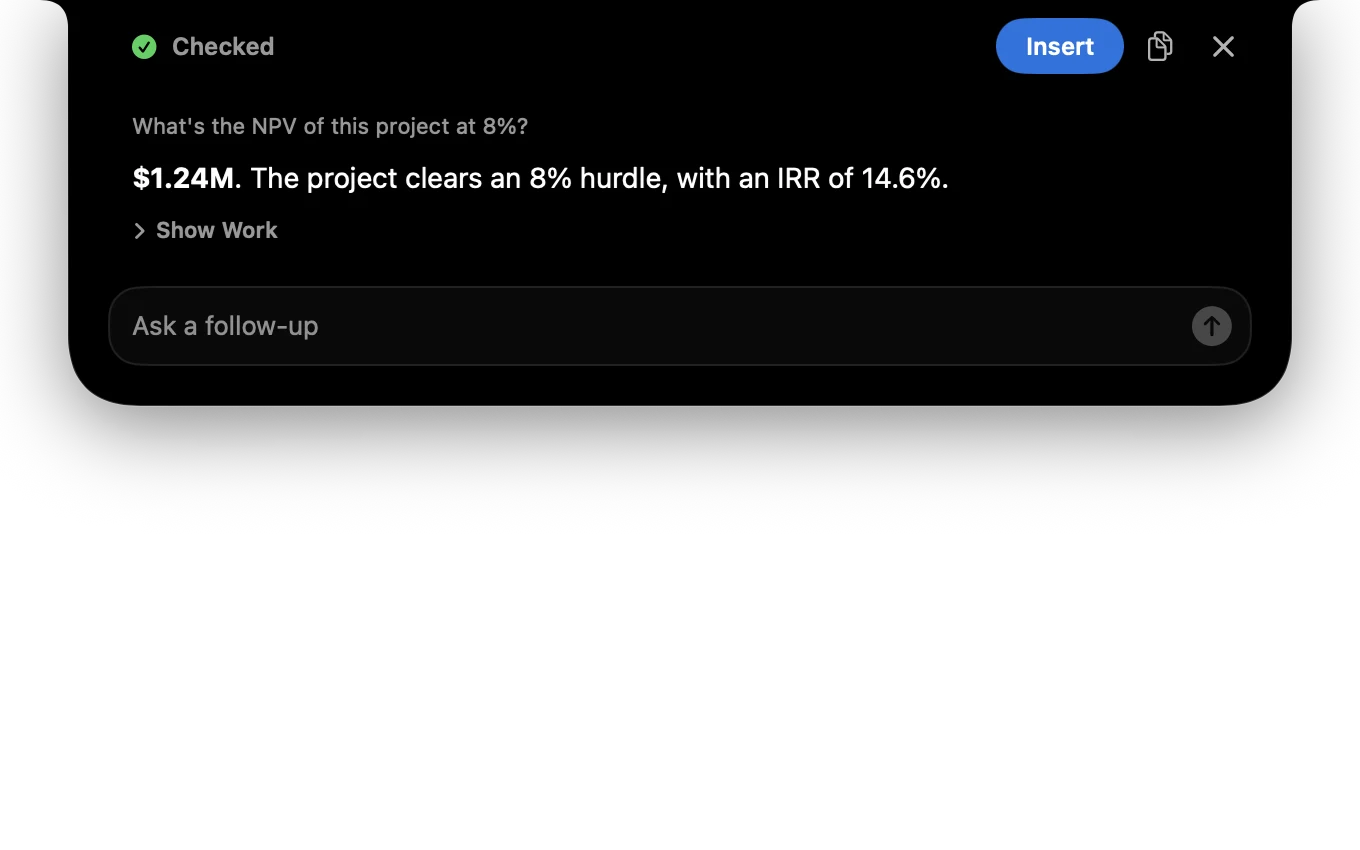
Your numbers, checked twice before anyone sees them.
NPV, IRR, loan schedules and forecasts, worked out from what's on your screen with every step shown. Brae checks itself, then one click inserts the answer straight into Excel.
For everyone juggling a lot
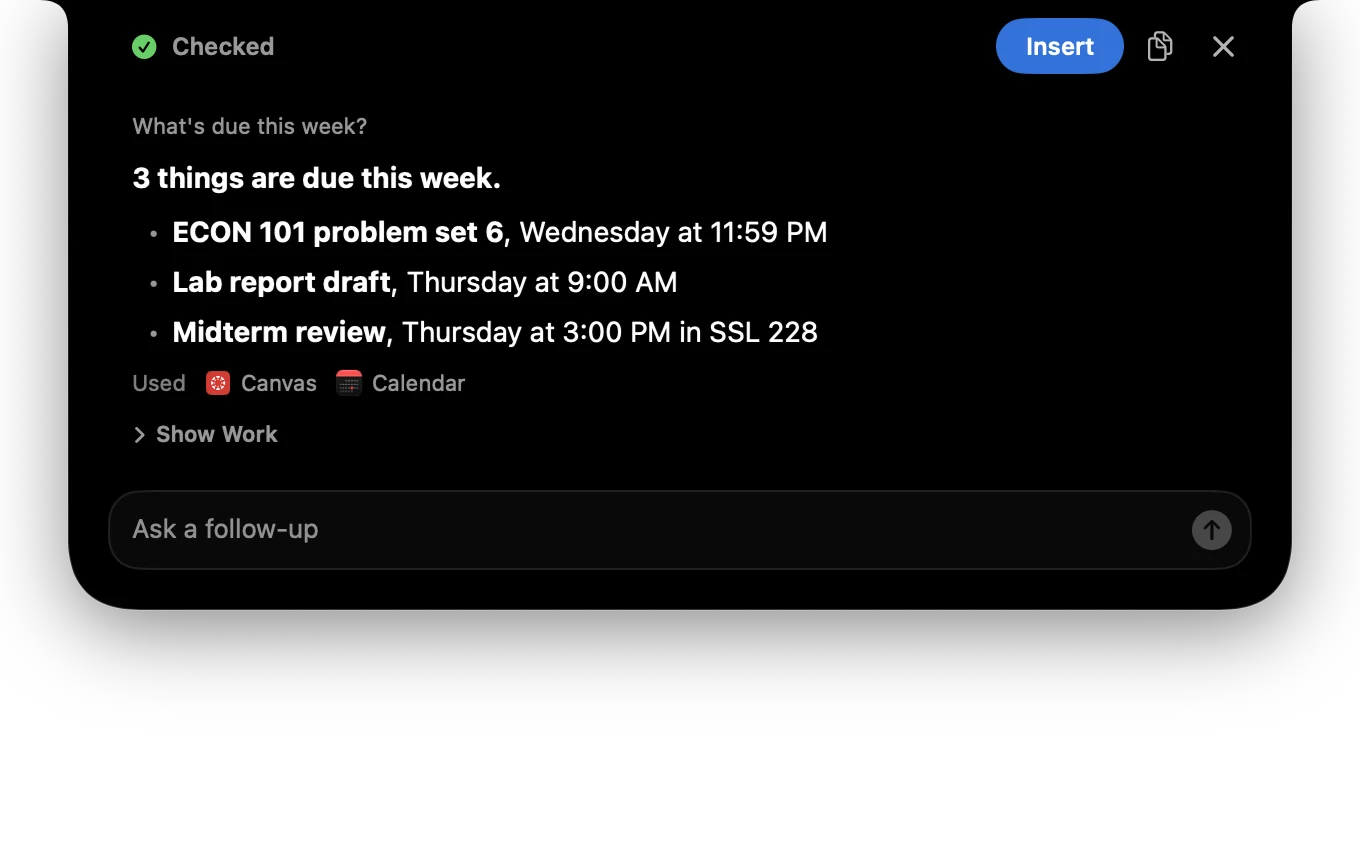
Stop opening five apps to answer one question.
Ask what's due this week, what's next on your calendar or where that note went. Brae checks Canvas, Calendar, Notion, Obsidian, GitHub and more at once, and asks before it changes anything.
For developers
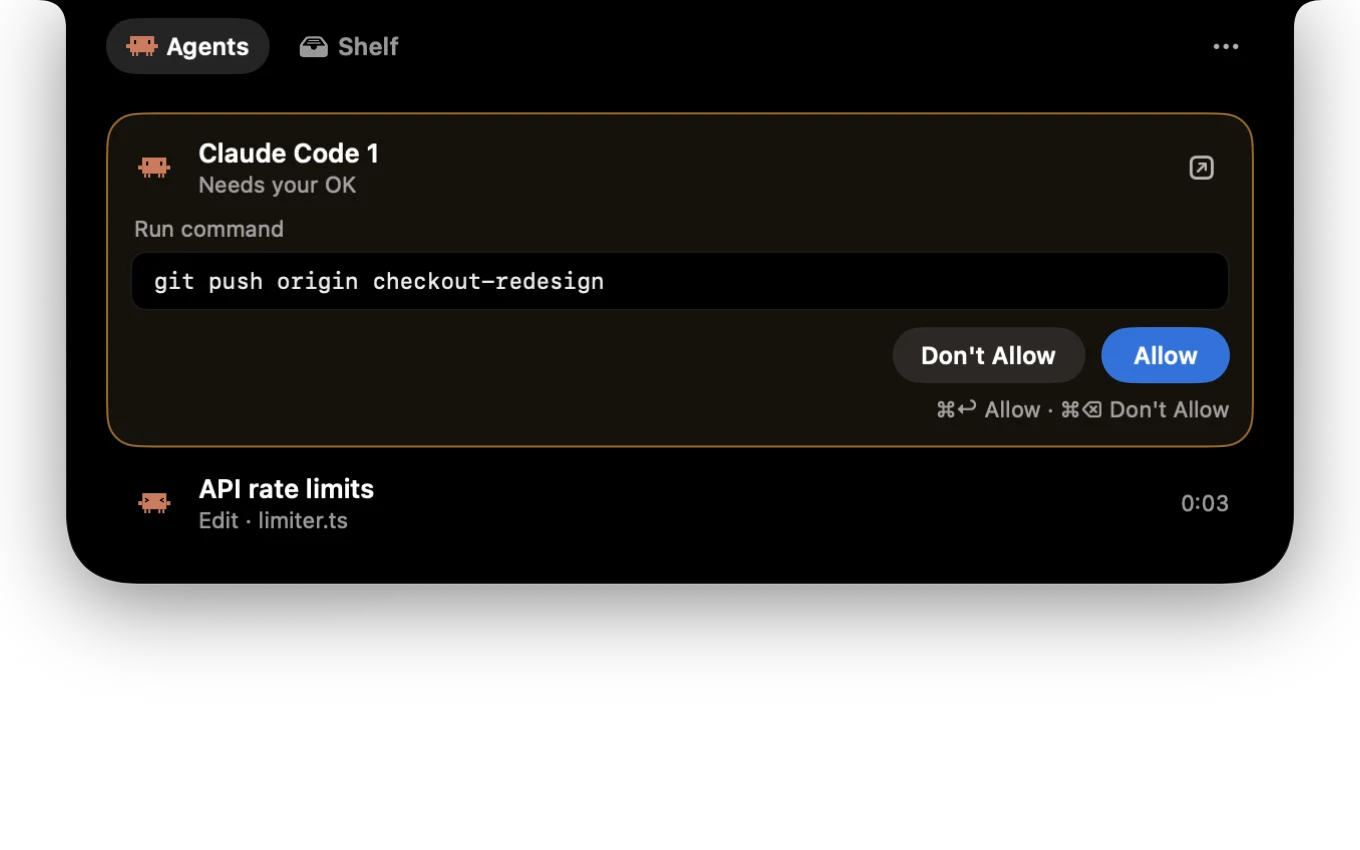
Approve your agents without leaving your code.
Claude Code, Codex and Gemini CLI report to the notch. See what each one is doing, approve a git push with Command Return, and never lose your place again. Still free after the trial.
For makers and creatives
Drop it on the notch. Get back what you need.
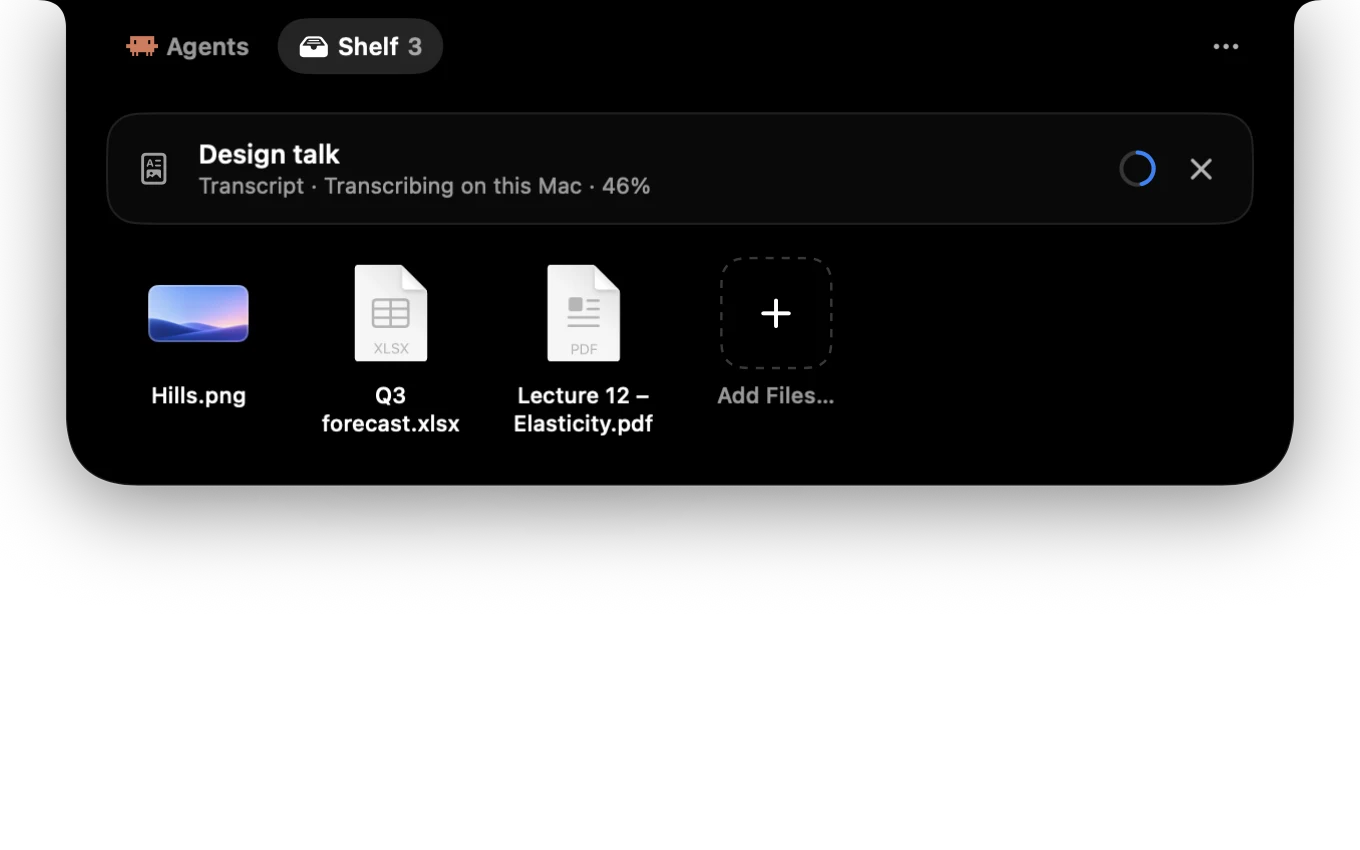
Keep the files you're working with a glance away. Turn a YouTube talk into a transcript, HEIC into PNG, or shrink a huge video, all on your Mac.
Powerful, and always yours.
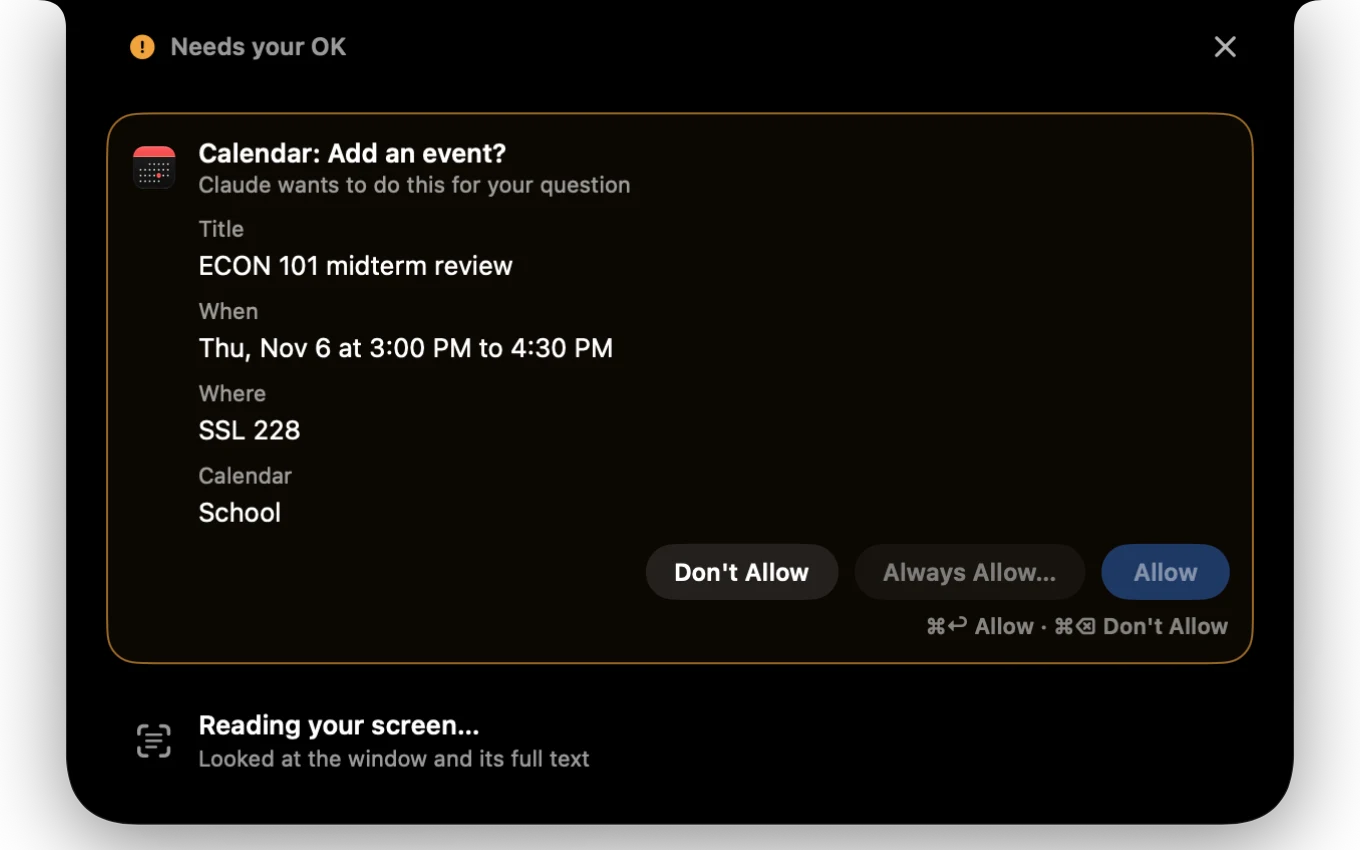
- Nothing changes without your OK.
- Before Brae adds, saves or sends anything, it shows you exactly what will happen.
- It reads your screen only when you ask.
- Nothing is watched or recorded. Password fields and password managers are never read.
- Your AI, your account.
- Answers come from your own Claude, OpenAI or Gemini API key (or, if you choose, your Claude plan), straight from your Mac. No servers in between, no tracking, no sign-up. How Brae handles your data
Make your notch the most useful place on your Mac.
Your first 7 days include everything. Love it, and it's $29 once, yours for good, with no subscription. Your coding agents and the Shelf stay free either way.
Secure checkout by Stripe. Your key appears right after. Lost it? Find your license